
Photo to Anime AI Online
Transform yourself into a 2D masterpiece with our photo to anime AI. Turn any picture into Studio Ghibli, 90s retro anime, or modern Japanese animation styles instantly.
Create Your Anime Art
Click to Upload
Upload a photo to convert into anime
Generated Anime
Ready to Create
Upload a photo, enter your description, and click generate to see your anime-style image appear here
✨ Create unlimited AI anime • No signup required • Share to Gallery • Commercial use allowed
Why Use Our Photo to Anime AI Converter
Discover the magic behind turning real life into anime art with our specialized img2img anime models.
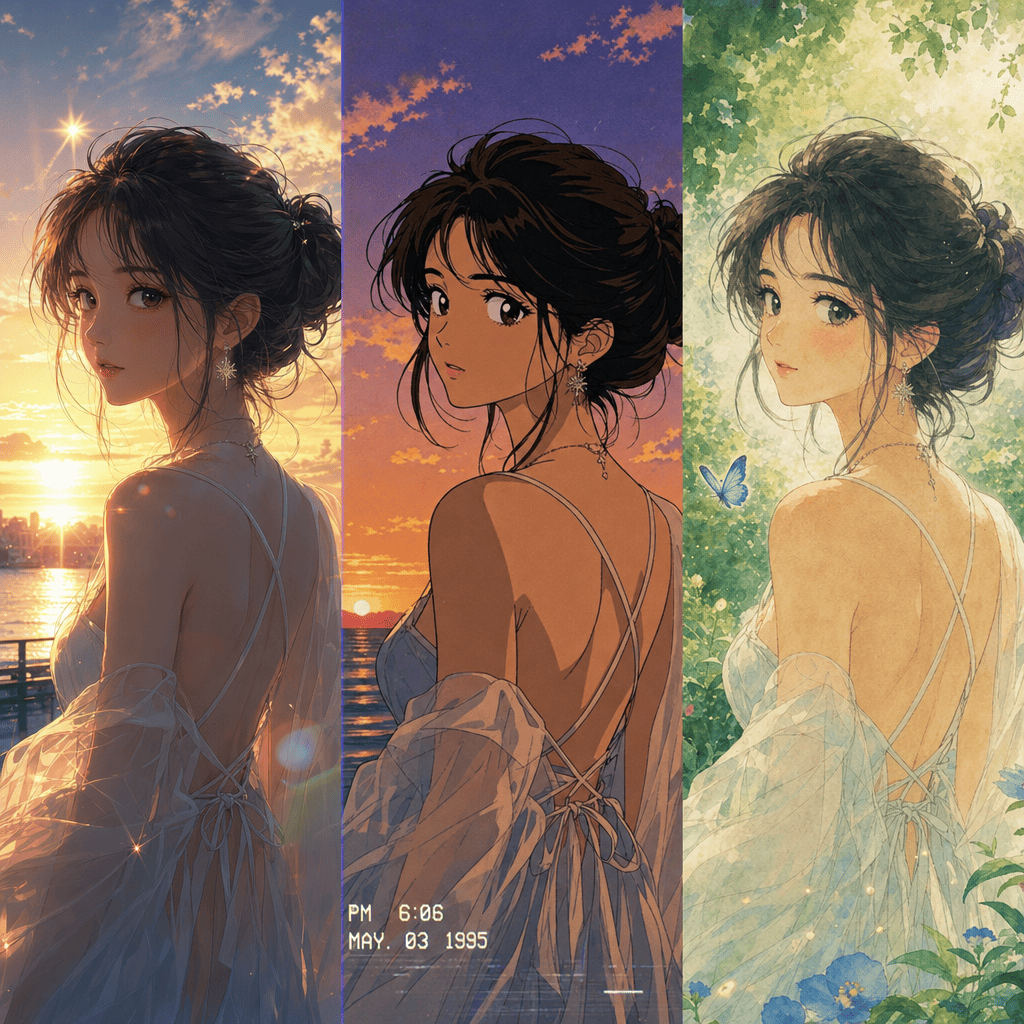
Multiple Anime Styles
Choose from Makoto Shinkai backgrounds, 90s retro anime aesthetics, or classic Studio Ghibli vibes. Our photo to anime AI understands diverse animation sub-genres.
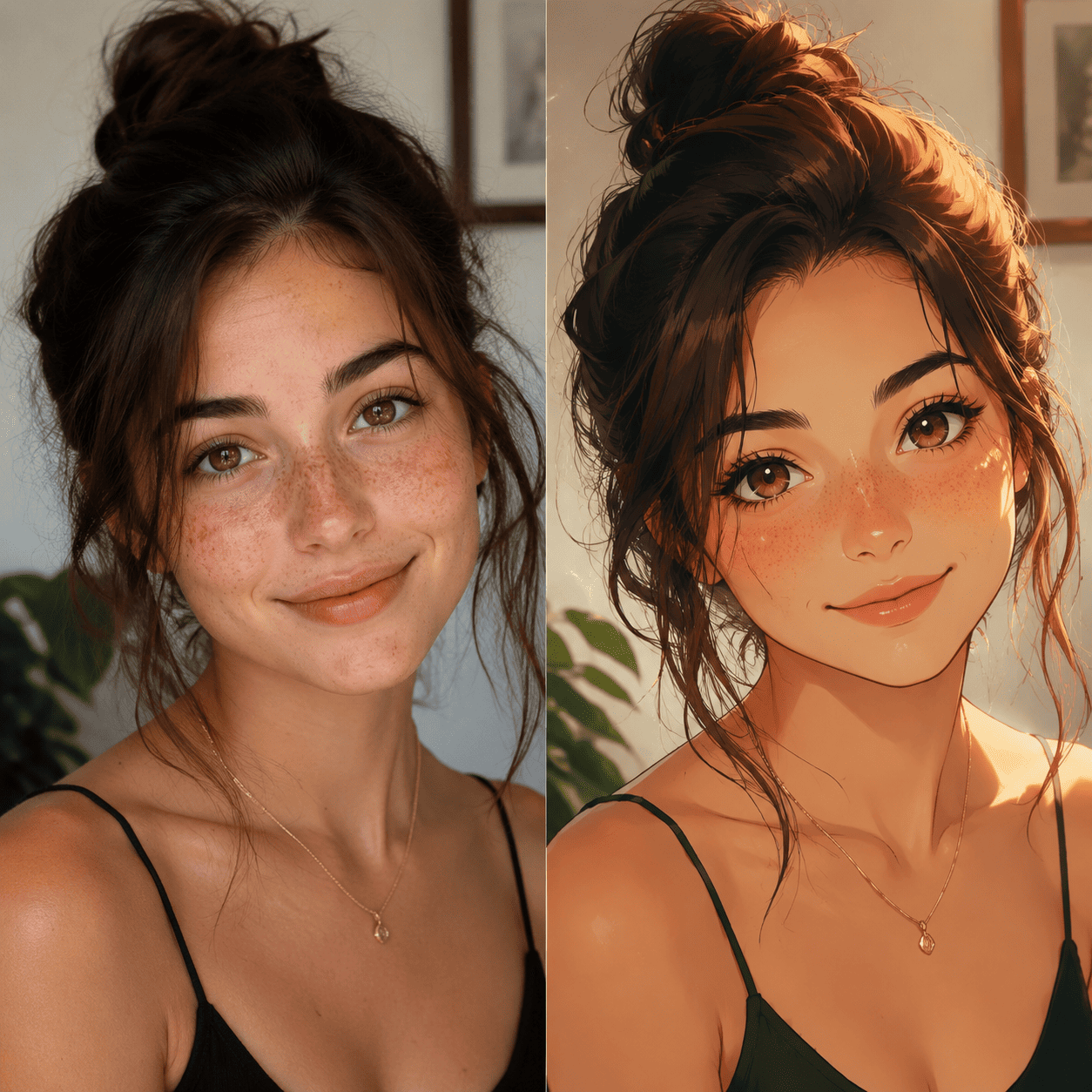
Perfect Facial Feature Retention
Unlike generic filters, our AI preserves your unique facial structure while applying anime-style shading, large eyes, and stylized hair.
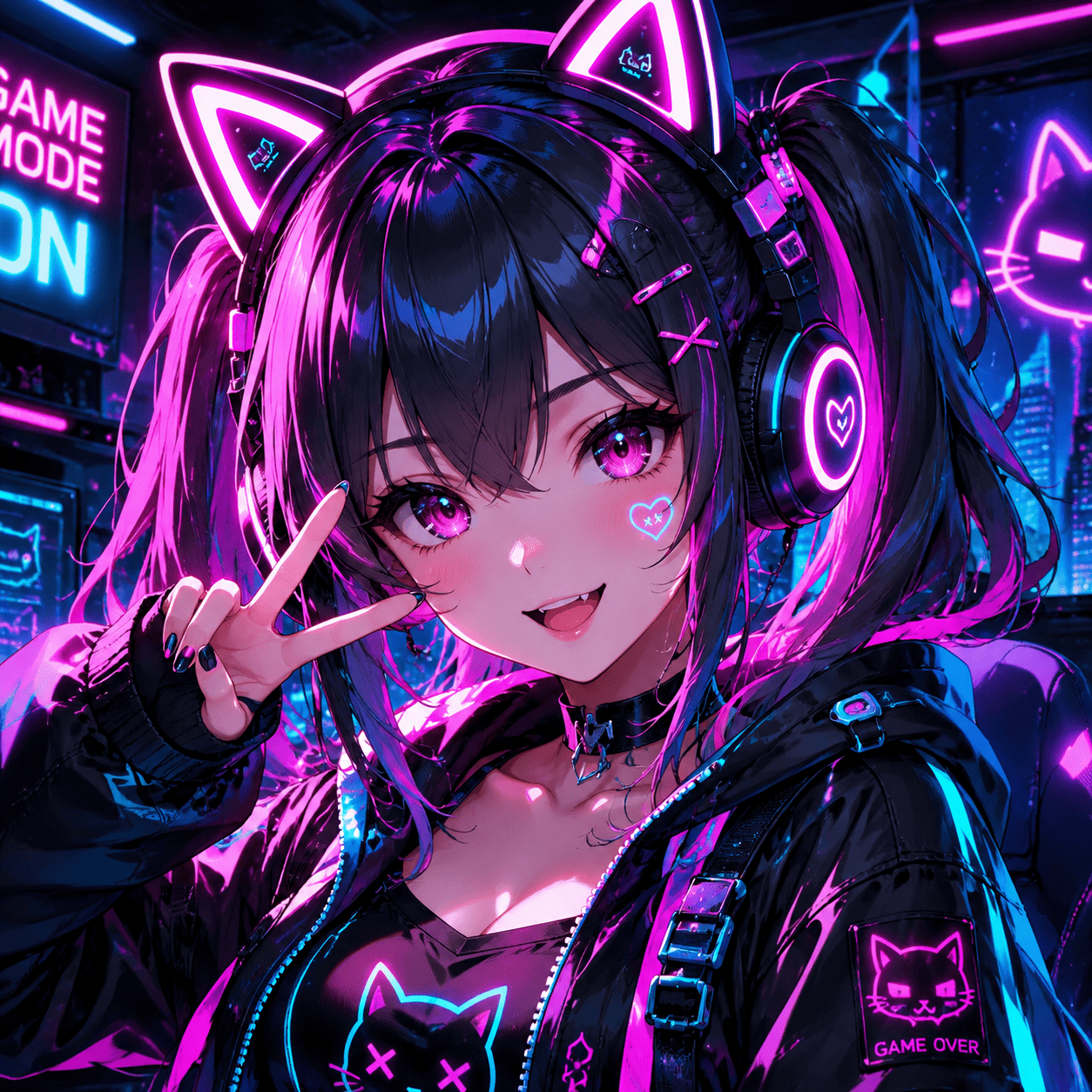
Cosplay & Avatar Generation
Create the perfect anime avatar for Discord, Twitch, or VRChat. The ultimate photo to anime converter for VTubers and gamers.
Tips for the Best Anime AI Results
Master the photo to anime converter with these prompt engineering secrets
Specify the Sub-genre
Anime isn't just one style. Mention specific genres like 'shoujo manga', 'shounen anime', 'mecha', or 'isekai fantasy' to get the exact vibe you want.
Use Lighting Keywords
Anime is famous for dramatic lighting. Add phrases like 'cinematic lighting', 'lens flare', 'golden hour', or 'glowing particles' to elevate your result.
Describe the Background
Don't just focus on the character. Add background details like 'bustling Tokyo street', 'magical forest', or 'high school classroom' for a complete scene.
How to Turn Your Photo into Anime
Get the perfect 2D anime style in three simple steps
Upload Your Photo
Upload a clear portrait, landscape, or full-body picture. Well-lit photos with distinct features work best for anime transformations.
Choose Your Anime Style
Enter a prompt like 'Studio Ghibli style' or 'Cyberpunk anime'. You can also use our quick style shortcuts to guide the AI.
Generate & Download
Click generate and let our advanced img2img anime models process your image. Download your high-resolution anime art instantly.
Photo to Anime AI FAQ
Everything you need to know about our anime transformation tool
How does the photo to anime AI work?
Our AI analyzes the structure of your uploaded photo and repaints it using neural networks trained on millions of high-quality anime illustrations, ensuring an authentic 2D look.
Can I turn a landscape photo into an anime background?
Yes! Our tool is fantastic for environments. Just upload a street or nature photo and use a prompt like 'Makoto Shinkai anime background style' to get stunning results.
Is the photo to anime AI free to use?
We offer free daily credits so you can try our photo to anime AI converter. You can upgrade for unlimited generations and commercial usage rights.
Will I still look like myself in the anime version?
Yes. While the AI applies anime characteristics (like stylized eyes and hair), it uses your photo's core geometry, so the final anime character will still resemble you.
Can I use the photo to anime converter for my pets?
Absolutely! Our photo to anime AI is trained on diverse subjects. You can upload a photo of your dog or cat and add 'anime style' to see them transformed into adorable 2D anime companions.
What makes this the best photo to anime AI online?
Our tool specializes in preserving your original photo's structure while applying high-fidelity anime aesthetics. Unlike basic apps, our img2img engine allows precise control through text prompts, giving you professional, high-resolution anime art.
Still have questions? We're here to help.