
GPT Image 2 Generator Online
Create images from plain-English prompts or edit existing photos with our GPT Image 2 generator, a practical ChatGPT Image 2 alternative for everyday creative work.
Create GPT-Level AI Art
GPT-Image-2Click to Upload
Upload a photo for image-to-image generation
Generated GPT Artwork
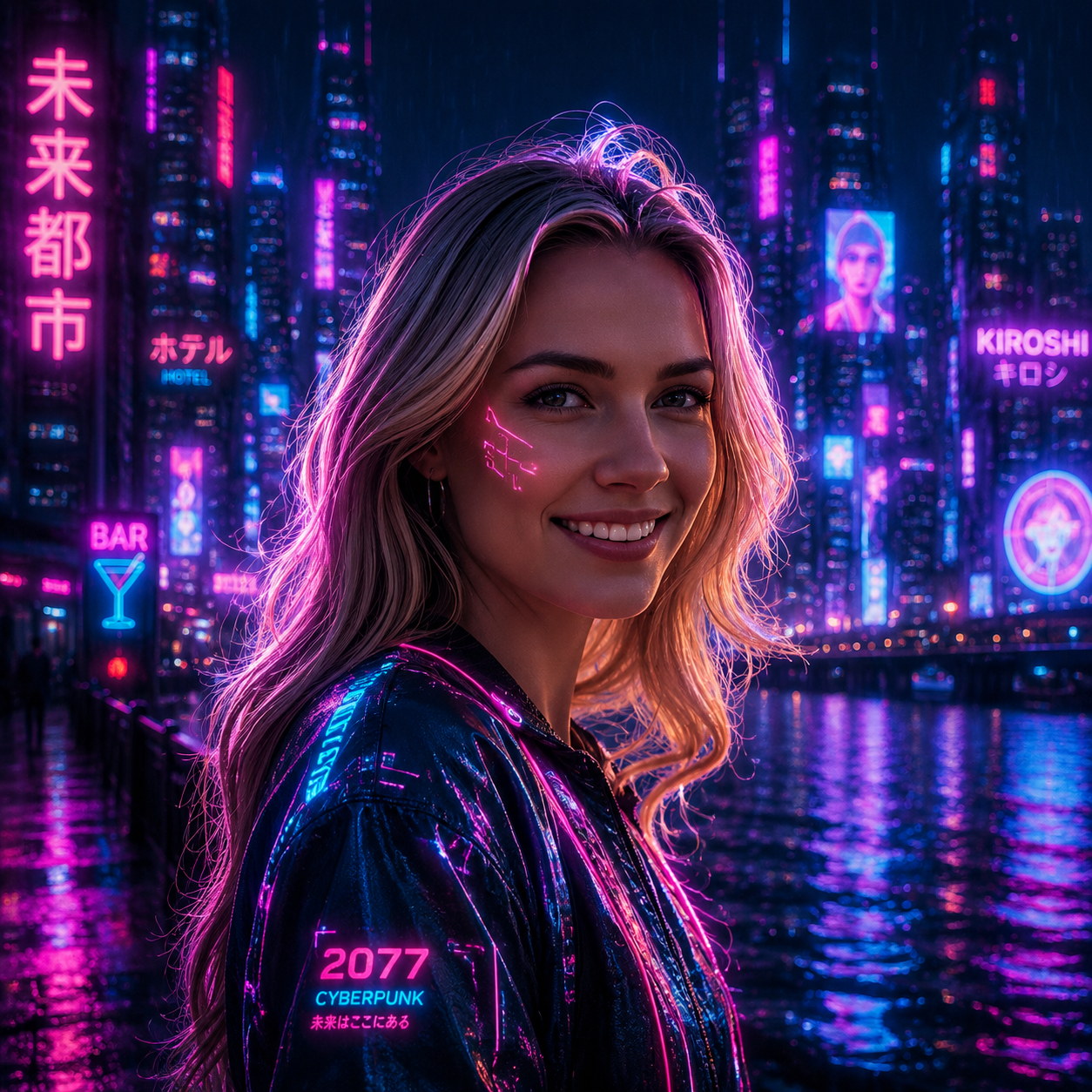
Ready to Generate
Type your creative idea and click generate to see your GPT-level AI art appear here
✨ Create unlimited AI art • No signup required • Share to Gallery • Commercial use allowed
Why Creators Choose Our GPT Image 2 Generator
Natural-language prompting, controllable edits, and flexible outputs for everyday creative work.
Deep Semantic Prompt Understanding
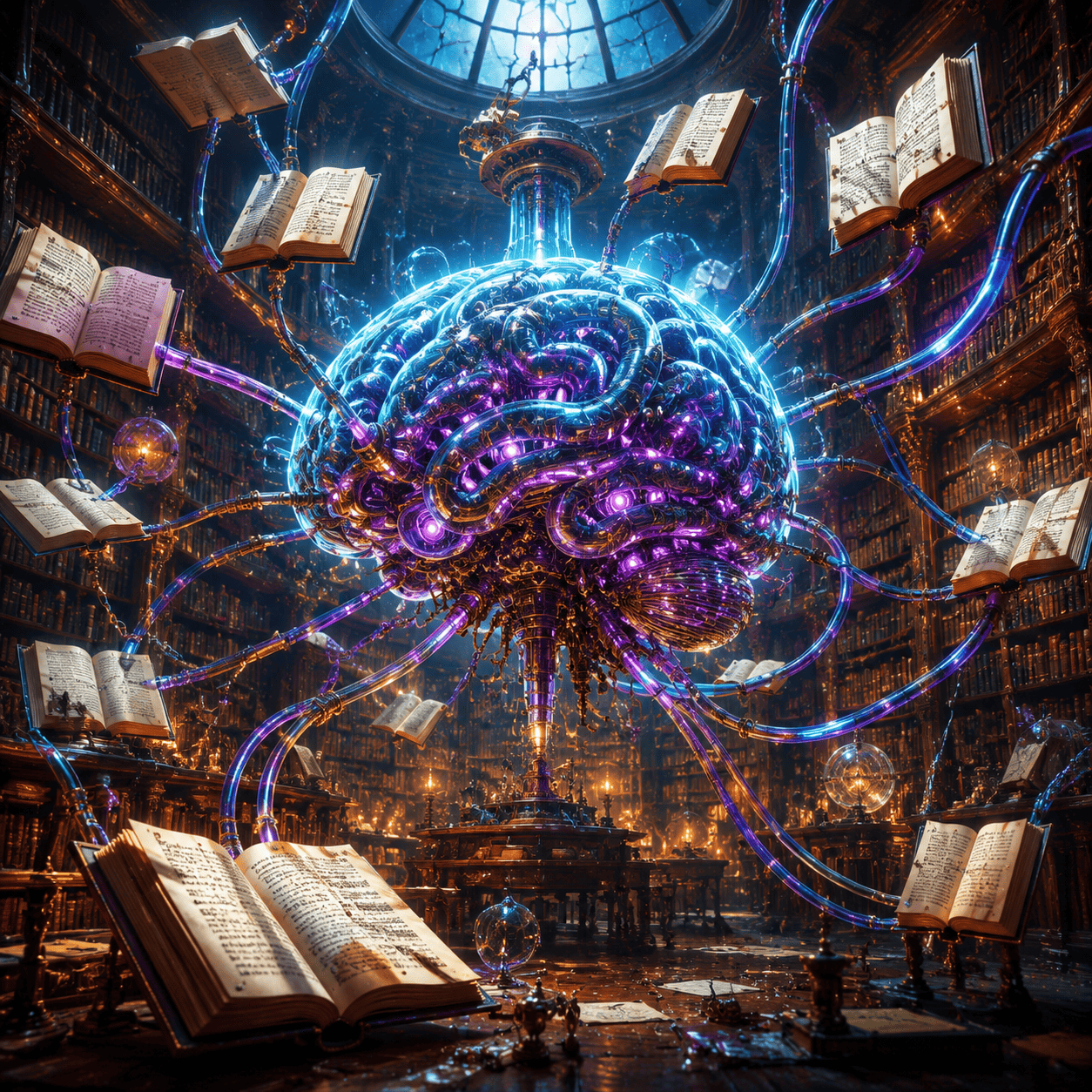
Instead of relying on rigid prompt syntax, our GPT Image 2 workflow responds well to plain-English instructions. Describe the subject, mood, lighting, framing, or style in a natural sentence, and the model does a better job turning those creative signals into a usable image.
Advanced Image-to-Image Editing
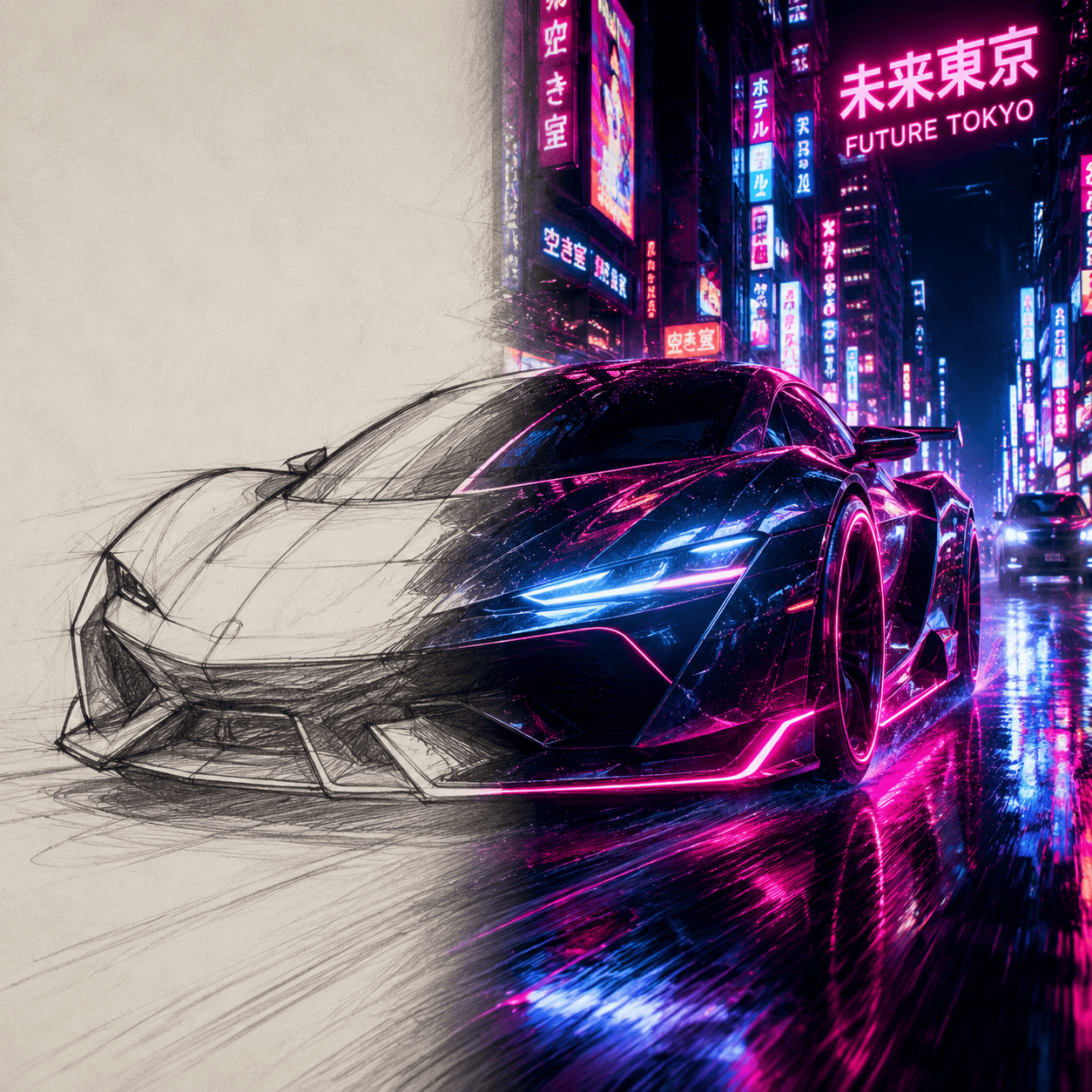
Upload a sketch, portrait, product shot, or scene and guide the result with a text prompt. This makes GPT Image 2 useful not only for generating new ideas, but also for iterating on existing visuals while keeping the original composition, subject, or overall structure intact.
High-Resolution Output for Professionals
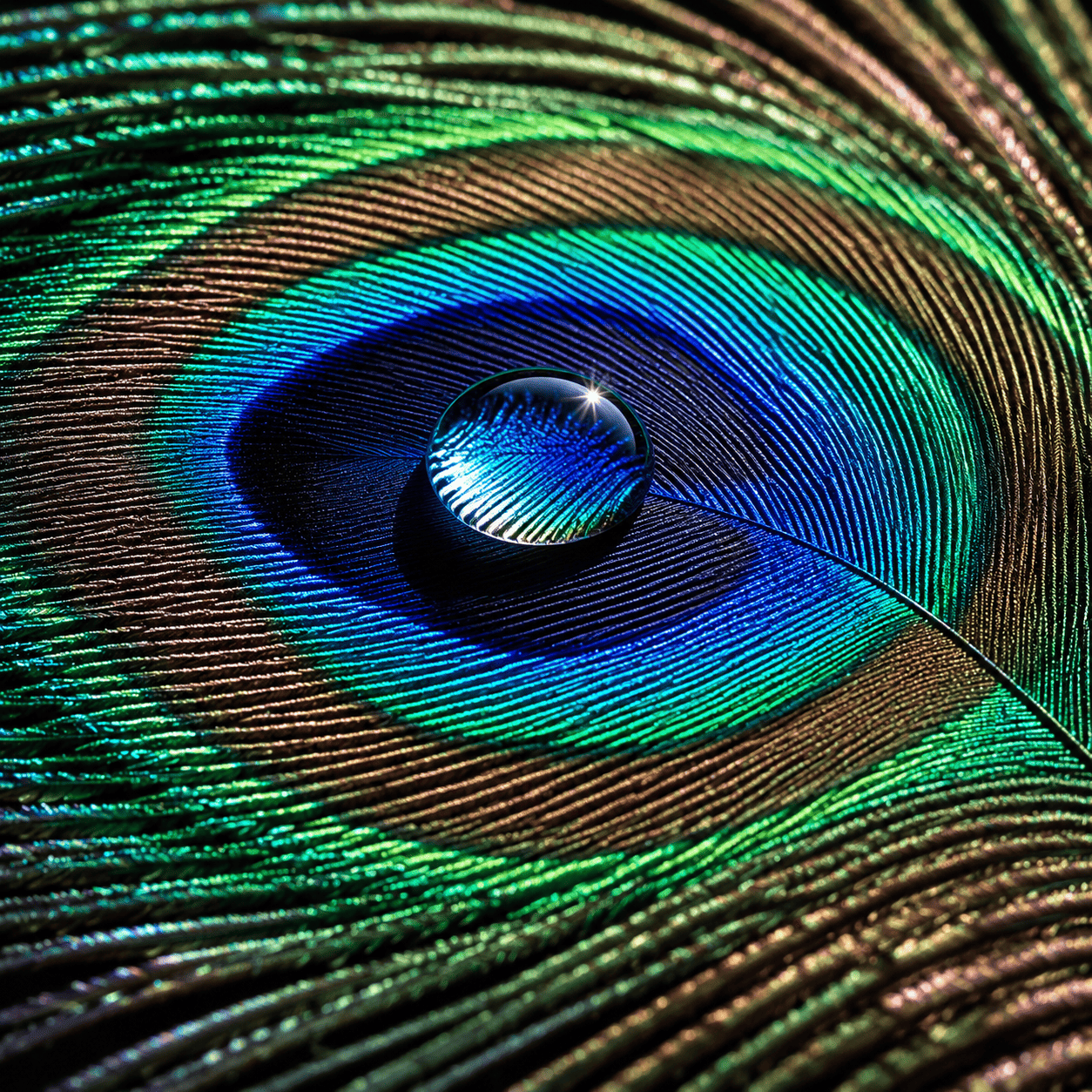
Create sharp, presentation-ready images for landing pages, ads, blog graphics, moodboards, and social content. With clean downloads and multiple canvas sizes, GPT Image 2 fits practical marketing and design workflows instead of being limited to one-off chat-style outputs.
GPT Image 2 vs. Standard Chat Bots
See how our GPT Image 2 workflow compares with typical chat-based image tools.
How to Use GPT Image 2
Write a prompt, add a reference if needed, and refine the result in minutes.
Enter Your Prompt
Type a natural language description. You don't need complex parameters—just describe what you want to see.
Add an Optional Reference
If you have a specific composition in mind, upload a reference image to guide the AI's structure.
Generate & Refine
Click generate. Not quite right? Just tweak your text prompt and generate again until it's perfect.
How to Write a Perfect GPT Image 2 Prompt
Use a simple prompt structure to get more consistent GPT Image 2 results.
1Subject
What is the main focus? (e.g., A cyberpunk samurai)
2Context
Where are they? (e.g., Standing in a neon-lit Tokyo street)
3Lighting
How is it lit? (e.g., Cinematic lighting, volumetric fog)
4Style
What's the art medium? (e.g., Unreal Engine 5 render, digital painting)
# gpt_image_2.prompt_formula.intro
"gpt_image_2.prompt_formula.example.subject, gpt_image_2.prompt_formula.example.context, gpt_image_2.prompt_formula.example.lighting, gpt_image_2.prompt_formula.example.style"
Who Uses GPT Image 2?
Teams and creators use it to move from idea to usable visual faster.
Marketers & Advertisers
Create eye-catching social media posts, ad creatives, and blog headers in seconds without a design team.
Concept Artists
Rapidly prototype character designs, environments, and storyboards to overcome creative blocks.
Writers & Storytellers
Bring your characters and worlds to life. Generate book covers or chapter illustrations that match your narrative perfectly.
How GPT Image 2 Changed AI Image Generation
The shift from prompt syntax to intent-based image creation.
Traditional AI Generators
Early tools required strict 'prompt engineering'. You had to use specific keywords, weights, and parameters (like --v 5 or --ar 16:9) to get decent results. It felt more like coding than creating art.
The GPT Image 2 Era
Now, thanks to large language models (LLMs), the AI understands human intent. You can type naturally: 'Make the lighting moodier' or 'Change the background to a rainy street'. Our tool bridges this natural language comprehension with professional image-to-image controls.
GPT Image 2 FAQ
Common questions about using GPT Image 2 for image generation and editing.
Is this an official ChatGPT Image 2 generator?
No. This page offers an independent GPT Image 2 style workflow rather than an official OpenAI product. The goal is to give you a similar natural-language image experience, with stronger control over editing and reference-based generation.
How is GPT Image 2 different from older AI art tools?
Older tools often depended on rigid prompt formulas, keyword stacking, and parameter syntax. GPT Image 2 is better at understanding intent, so you can describe the scene more naturally and spend less time learning prompt tricks before getting a useful result.
Can I use it for Image-to-Image (Img2Img) modifications?
Yes. You can upload a photo, sketch, or other reference image and then describe the changes you want. GPT Image 2 works especially well when you need to keep the subject or composition while adjusting style, lighting, detail, or mood.
Is the GPT Image 2 generator really free to use?
Yes, there are free credits available so you can test GPT Image 2 before paying. If you need more generations or heavier usage, you can upgrade instead of committing to a large subscription upfront.
Can I use the images generated by this ChatGPT Image 2 alternative commercially?
Absolutely. Any artwork you generate using our GPT Image 2 tool is yours to use for commercial purposes, including marketing materials, book covers, website assets, and merchandise.
Why did my prompt fail or generate something unexpected?
Usually the prompt is too broad, the style reference is unclear, or the request mixes too many ideas at once. A better approach is to keep the prompt focused and structure it as [Subject] + [Context] + [Lighting] + [Style], then iterate one change at a time.
What prompts work best with GPT Image 2?
The best prompts are specific without being overloaded. Mention the subject, setting, visual mood, camera angle or composition, and the style you want. For example, prompts that describe both content and presentation usually perform better than short keyword lists.
When should I use a reference image?
Use a reference image when composition, pose, product shape, or subject consistency matters. Text-only prompting is great for ideation, but a reference image helps GPT Image 2 stay closer to the layout and visual direction you actually want.
Still have questions? We're here to help.